














Nodes catalog
Nodes are the building blocks of every workflow. The catalog is organised by category — pick the one matching what you want to do.
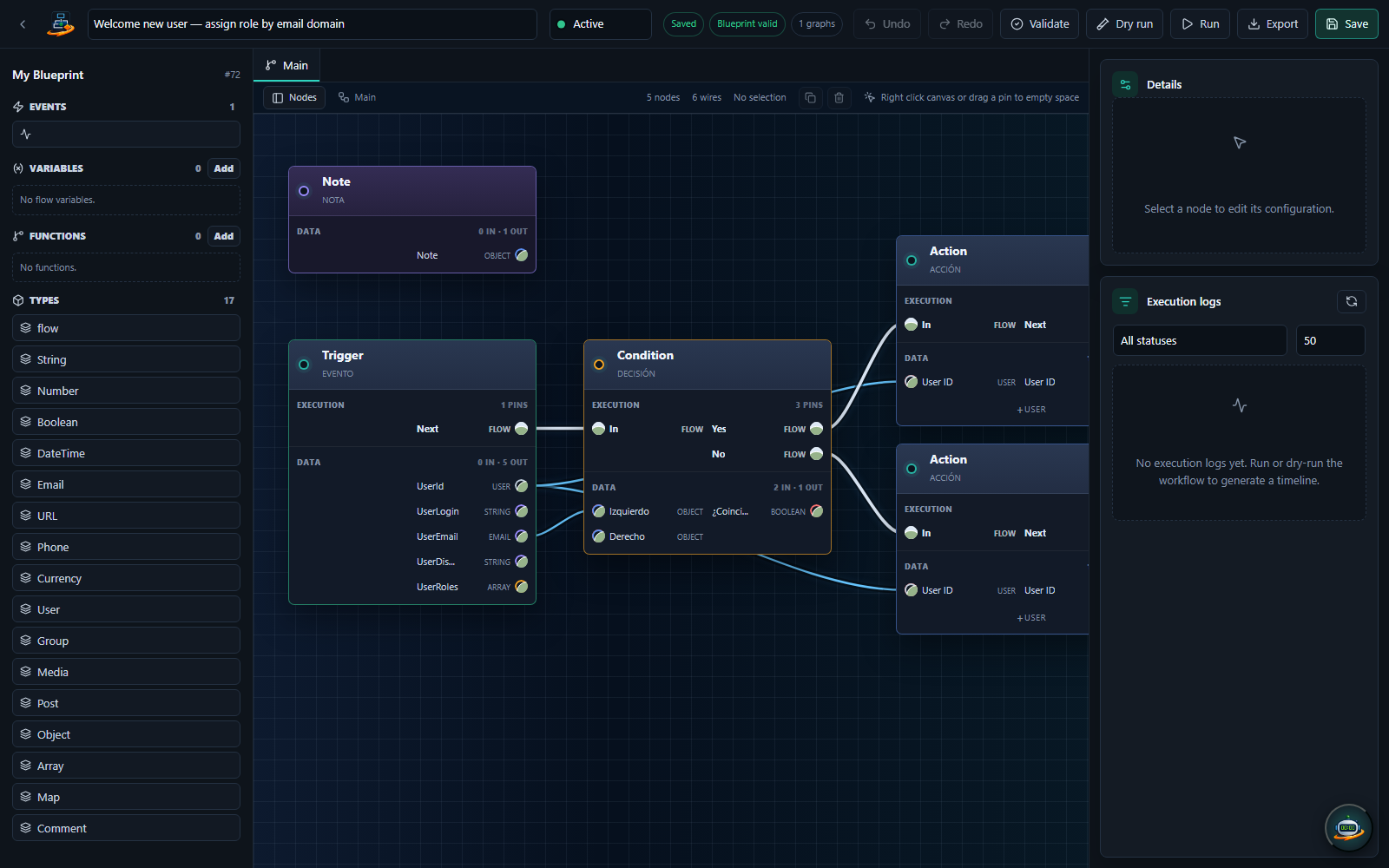
Categories at a glance
| Category | Node count | What it covers |
|---|---|---|
| Workflow Control | 13 | Triggers, conditions, delays, loops, retry, approval gates |
| Data, Arrays & Text | 68 | Transform values, run regex, build/parse JSON, manipulate arrays, math, dates, comparisons |
| Content | 15 | Create / update WordPress posts, pages and custom post types |
| Users & Roles | 12 | Create / update users, assign roles, send password reset |
| Comments | 5 | React to and create comments, moderation actions |
| Media | 5 | Upload, attach, manipulate files in the media library |
| Taxonomy & Meta | 5 | Create / assign categories, tags, custom taxonomies, post meta |
| Email & Admin | 4 | Send transactional email, queue outgoing mail through a PFM outbox account, admin notifications, log entries |
| HTTP & Webhooks | 11 | Outgoing HTTP requests, incoming webhook triggers, signed callbacks |
| WooCommerce | 41 | Orders, products, customers, coupons, stock, refunds, subscriptions, line items |
| Forms | 7 | Triggers for Gravity Forms, CF7, WPForms, Fluent Forms, Forminator, Ninja Forms |
| LMS & Membership | 5 | LearnDash, LifterLMS, MemberPress courses and enrollments |
| CRM | 9 | FluentCRM subscribers, tags, lists |
| SEO | 3 | Yoast SEO, Rank Math, AI in One SEO meta manipulation |
| AI | 3 | GPT, Claude, Gemini — generate, classify, summarize with LLMs |
| Remote executor | 2 | Run host-side operations (system commands, file IO) via wp-executor |
| Remote WordPress | 1 | Create posts on remote WP sites via REST API |
| Security | 2 | Capability checks, rate limiting |
| Slack | 4 | Send/update Slack messages, add reactions, list channels |
| Developer | 5 | WP hooks, custom events, inline PHP echo, filters |
| PFManagement | dynamic | Per-entity CRUD + trigger nodes auto-generated from your data model |
Free vs Pro tier
Every node is available in both editions: the Community and the Enterprise Edition run the same code, and nothing in the node library is gated by the licence.
Browsing tips
In the node library you can:
- Filter by category using the dropdown at the top.
- Search by name with the search box.
- Filter by tier (free / pro toggle).
- Hover any node to see its description without dragging.
Per-node reference
Select a category from the sidebar to see every node with its inputs, outputs and configuration options. Each category page is generated from the node's own definition at build time, so the documentation cannot drift from what the node actually does.