














REST Messages
A REST Message is an outbound HTTP call you define once in Management and give a key, then invoke from a WP-PFWorkflow automation as a node. You configure it in one place; the engine runs it in another (see Define in Management, run in Workflow).
In the editor you set the method, URL template, path, headers, query parameters and body; put a {{keyword}} anywhere and it becomes a typed input pin on the workflow node. For authentication you point it at an OAuth client connection — the engine resolves the secret at run time; it is never shown in the editor. A dry-run renders the exact request (with secrets redacted) without sending anything.
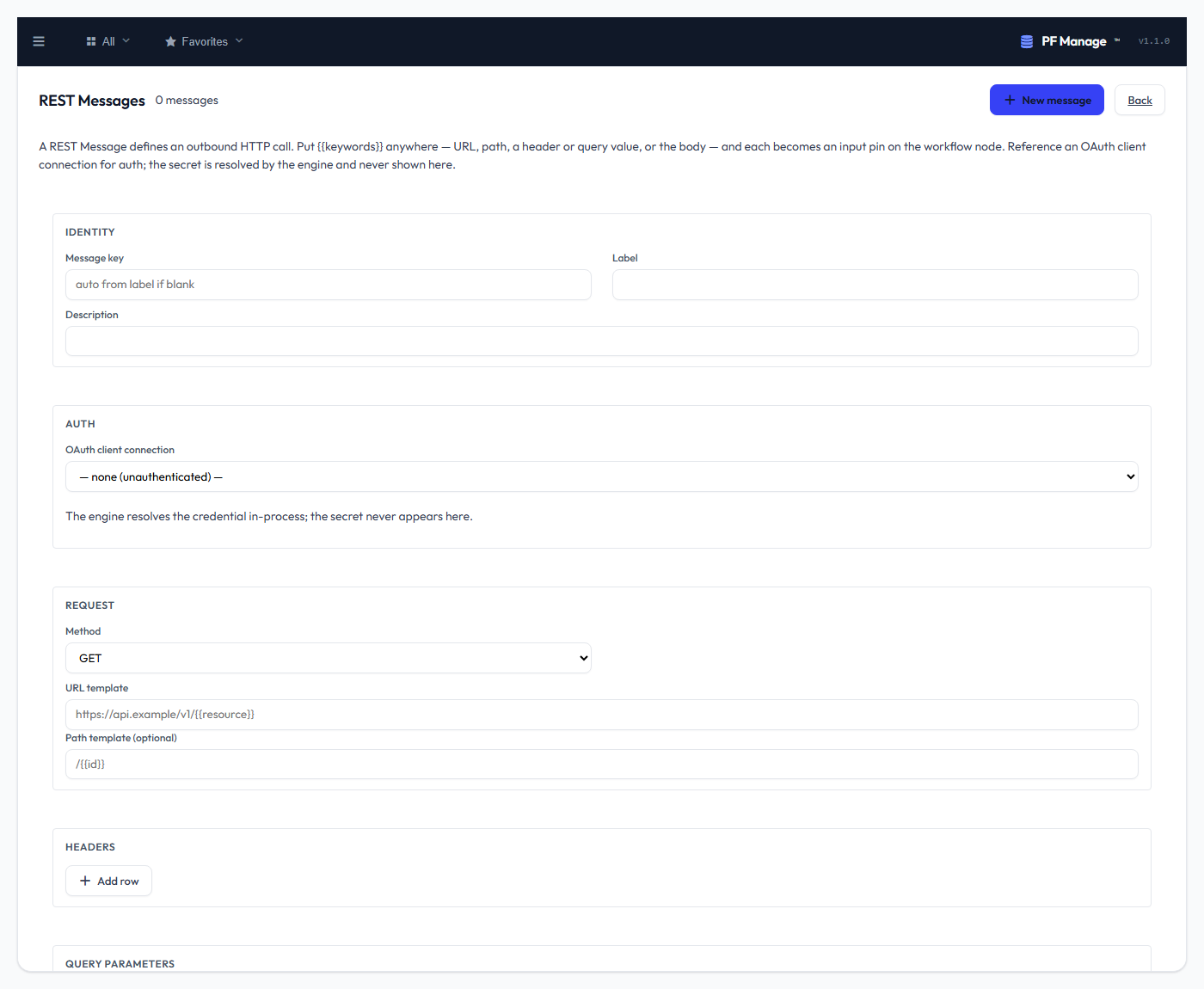
The definition is resolved Management-first and run by the Workflow engine — retry on 429/5xx, SSRF protection, and redacted logging. Once saved, drop the Invoke REST message node in a workflow and point it at the key — see REST Message nodes. Like the other integration surfaces this is a normal Management screen (list, editor, validation, history) and staff-only (schema-manager).