














Providers
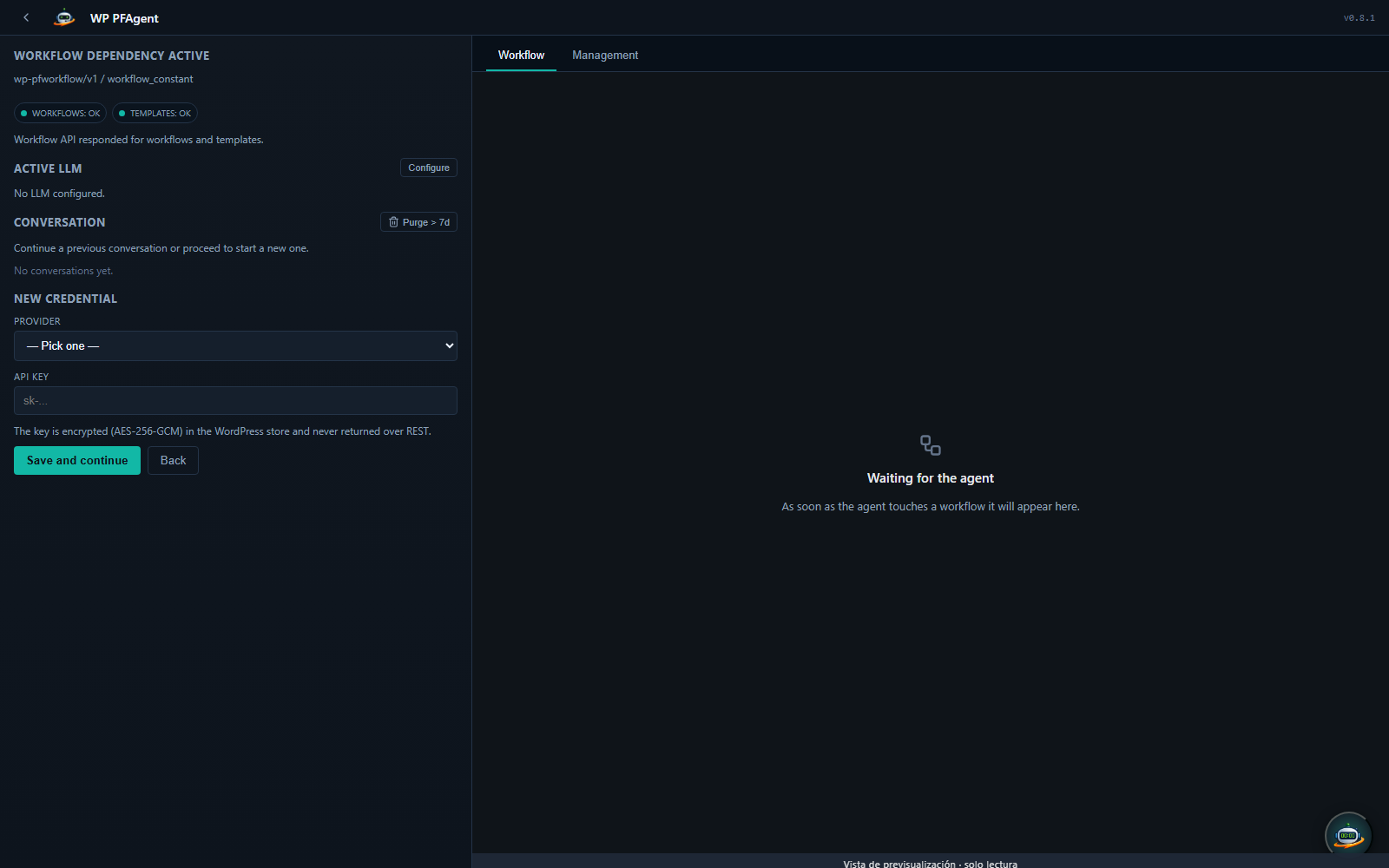
Providers are LLM endpoints the agent can call. WP-PFAgent is BYOK — you bring your own keys for each provider you want to use.
Built-in presets
Presets ship for the major LLM providers and any OpenAI-compatible endpoint. Each preset is a curated set of (provider adapter, recommended models, default parameters, capabilities). You can override any of these per provider instance.
| Family | Adapter | Notes |
|---|---|---|
| OpenAI | openai | GPT-4o, GPT-4 Turbo, o1 series, o3-mini. Tool use + structured outputs supported. |
| Anthropic | anthropic | Claude 3.5 / Claude 3.7 / Claude 4 families. Tool use + extended thinking + prompt caching supported. |
| Google Gemini | gemini | Gemini 1.5 Pro / Flash. Tool use supported. |
| Azure OpenAI | openai (Azure variant) | Microsoft-hosted OpenAI; you specify your deployment id and base URL. |
| AWS Bedrock | bedrock | Multiple models via Bedrock (Claude, Llama, Mistral). IAM-based auth. |
| DeepSeek | openai-compatible | API-compatible with OpenAI; specify base URL. |
| Qwen | openai-compatible | Alibaba's API. |
| Mimo | openai-compatible | |
| Grok (xAI) | openai-compatible | |
| Generic OpenAI-compatible | openai-compatible | For anything else: Together AI, Groq, Fireworks, Cerebras, LM Studio, vLLM, etc. |
Adding a provider
Setyenv → Agent → Providers → Add Provider:
- Pick a preset. The form auto-fills the recommended fields.
- Override or accept the defaults: - Label — your own name for this provider (e.g. "OpenAI prod", "OpenAI dev personal key"). - API key — the credential. Stored encrypted at rest; see Credential encryption. - Default model — which model the chat dropdown pre-selects. Override per session. - Base URL — only shown for OpenAI-compatible adapters. - Organisation ID — only shown for OpenAI when you have a multi-org account. - Deployment ID — only shown for Azure OpenAI. - Temperature / max_tokens — runtime defaults; can be overridden per session.
- Test connection sends a single-token probe completion to confirm the credential works.
- Save.
Provider health
The plugin runs a daily background probe against every configured provider and exposes the result in Setyenv → Agent → Health as one of healthy, degraded, or failing, with the last probe time, latency and (if any) the error message. This lets you spot a key that has been revoked or a provider that is degraded without waiting for a real conversation to fail.
Prompt caching
On providers that support it (e.g. Anthropic), the agent automatically marks the parts of each request that stay constant within a session — system prompt, action catalog — as cacheable. Cached input tokens are billed at a fraction of the normal rate, so a chatty session costs noticeably less after the first turn. Cache lifetime is provider-specific; the plugin schedules turns to keep the cache warm where it can.
Back-off under load
When a provider returns 429 or a Retry-After header, the agent waits the requested amount and retries with exponential back-off and jitter, capped by the turn's wall-clock budget. The chat surfaces a single inline notice rather than failing on the first 429.