WP-PFManagement
A ServiceNow-style structured-data platform, native to WordPress. The screens below are the real ITSM workspace shipped with the product.
Browse and work your records
Every entity opens as a sortable, searchable list with status and priority badges.
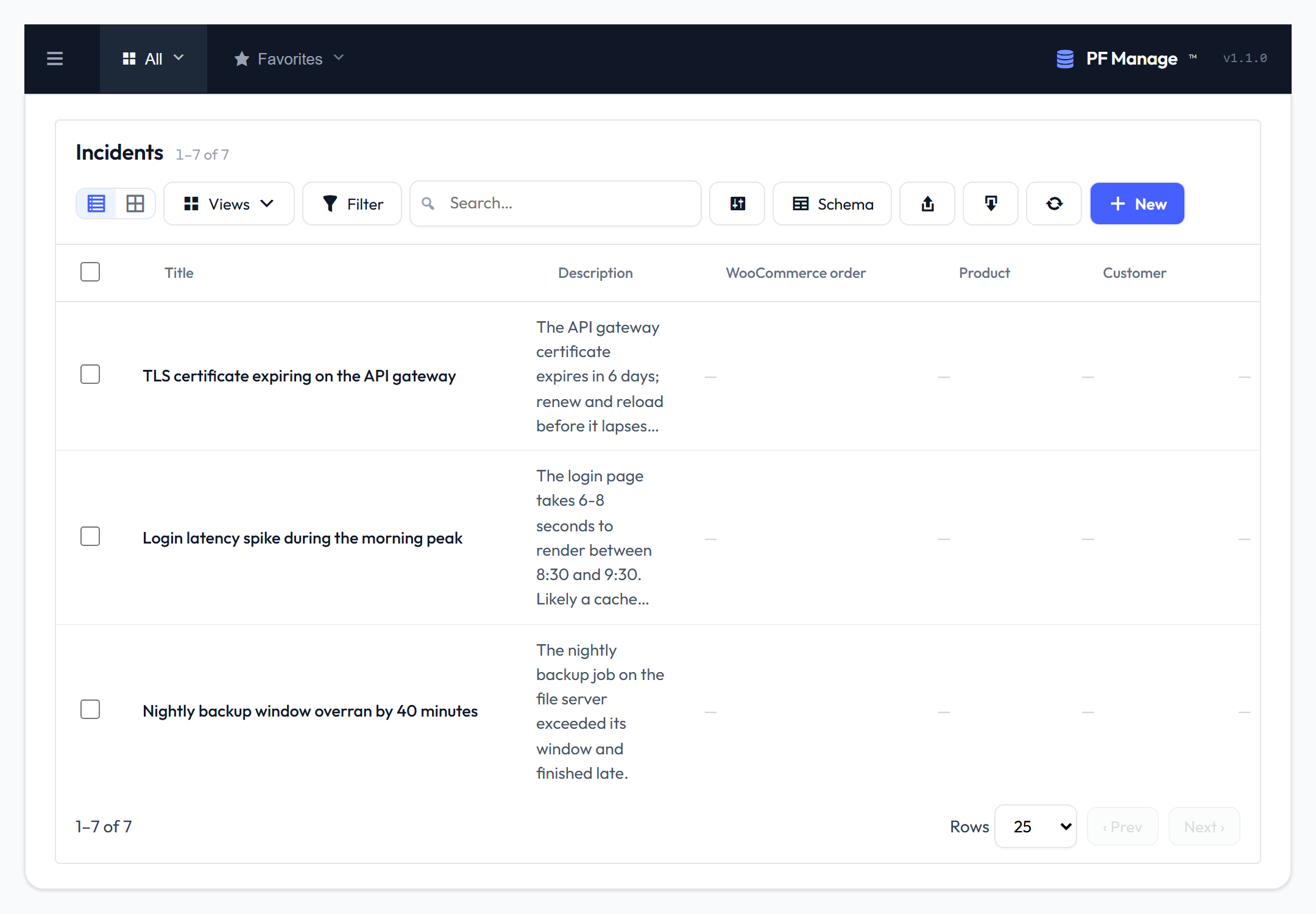
Saved views are one-click filters pinned in the sidebar — here, only the open incidents.
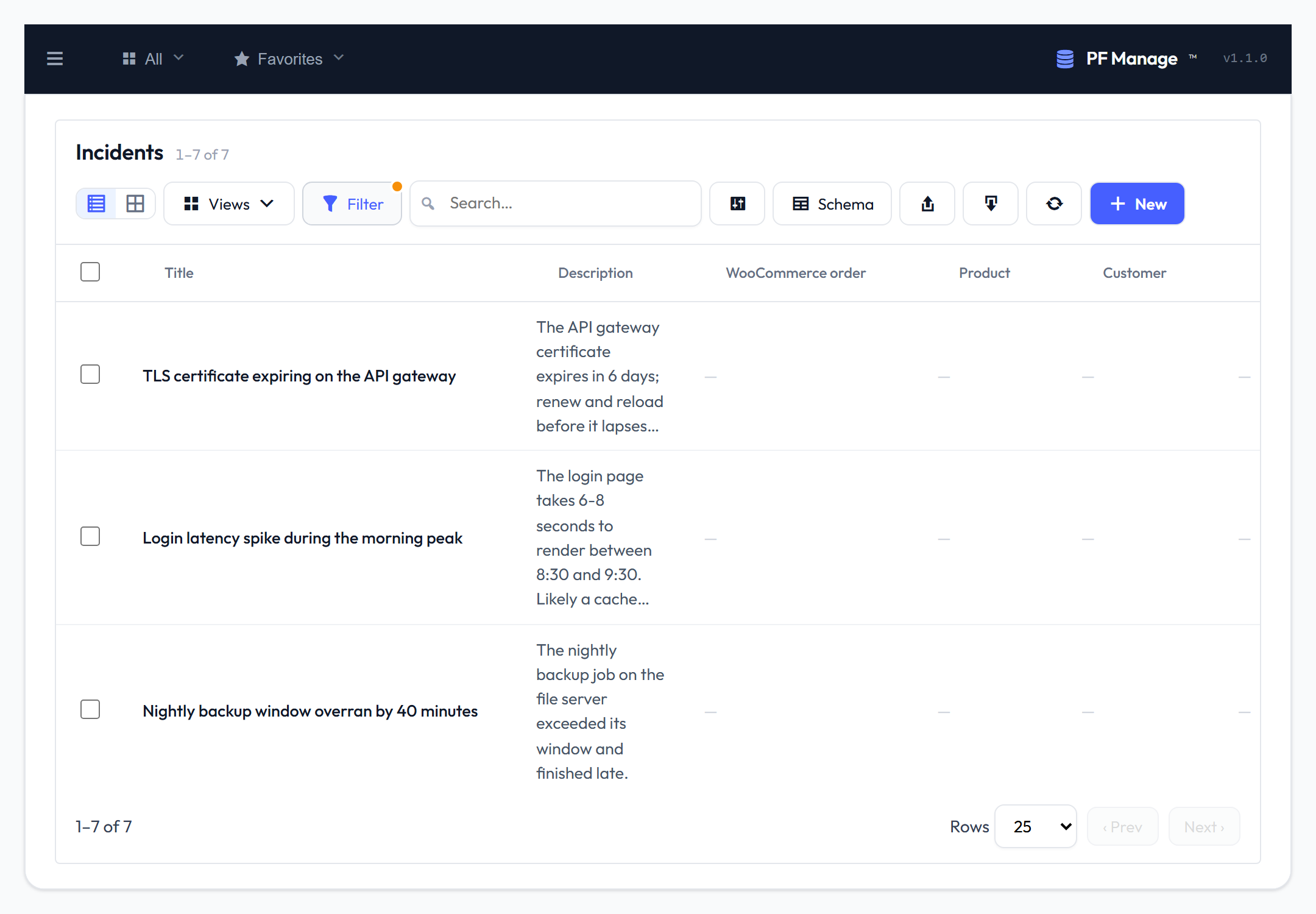
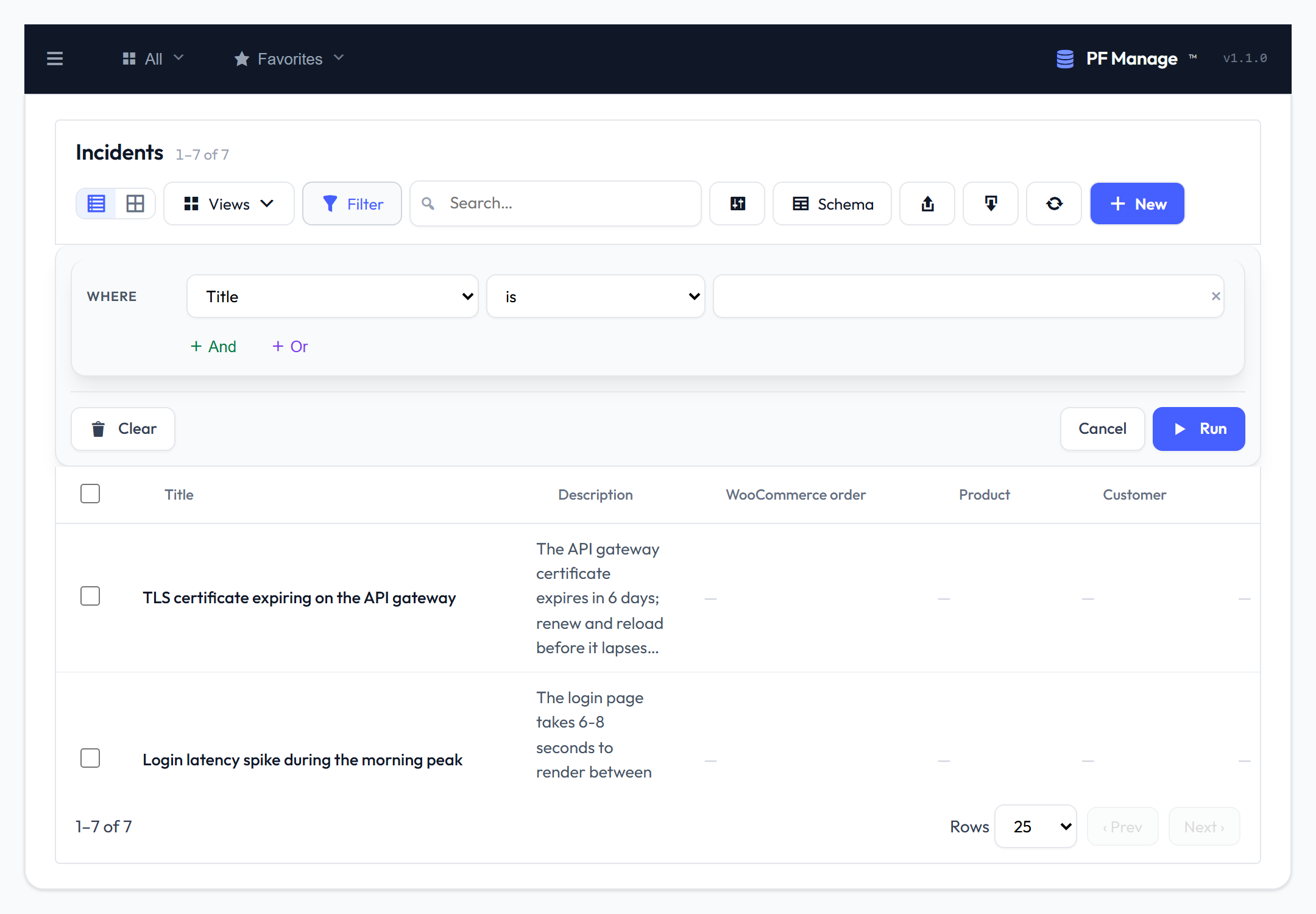
Build any filter visually — pick a field, an operator, a value, and combine with And / Or. No query language to learn.
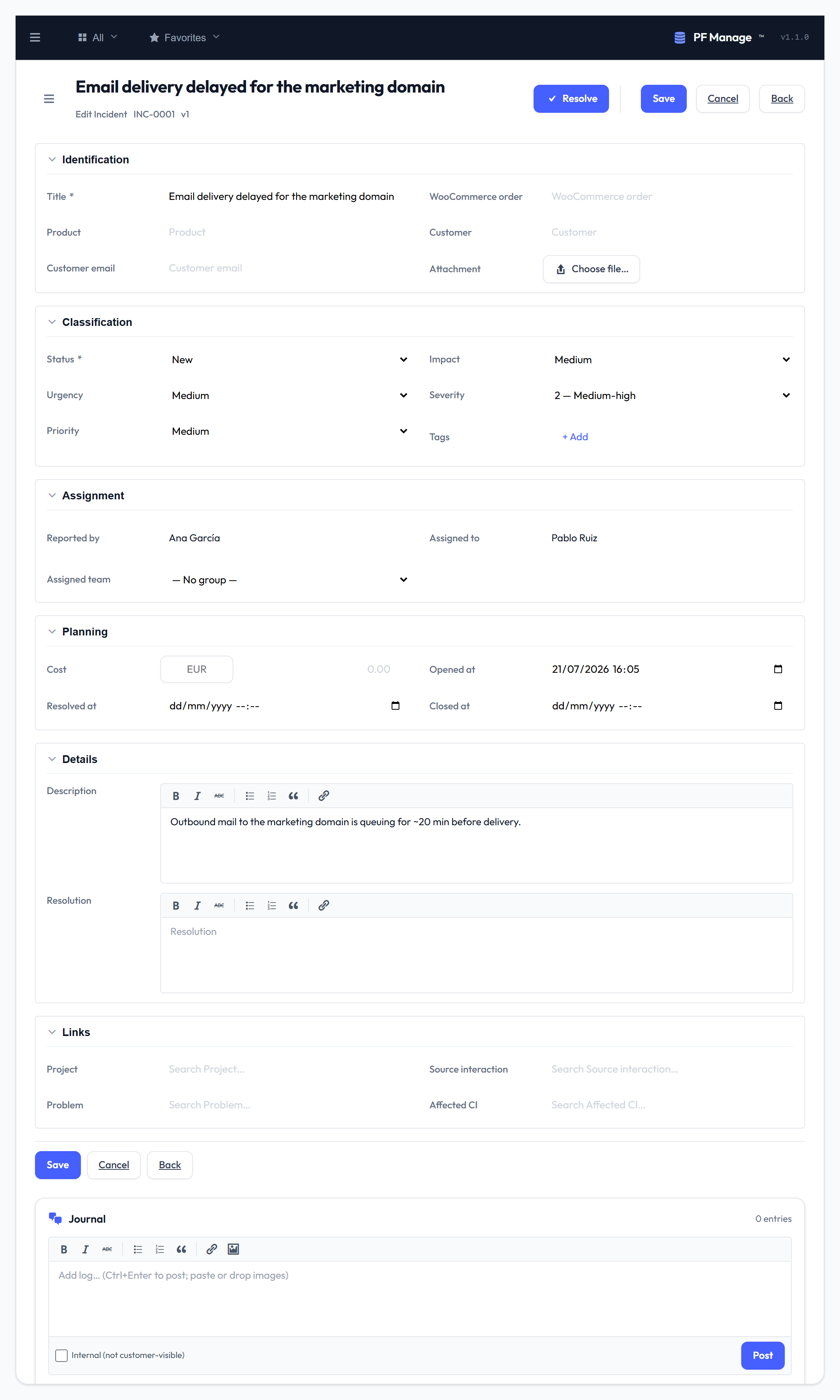
The record form puts typed sections, a live activity journal, the audit trail and related records all on one page.
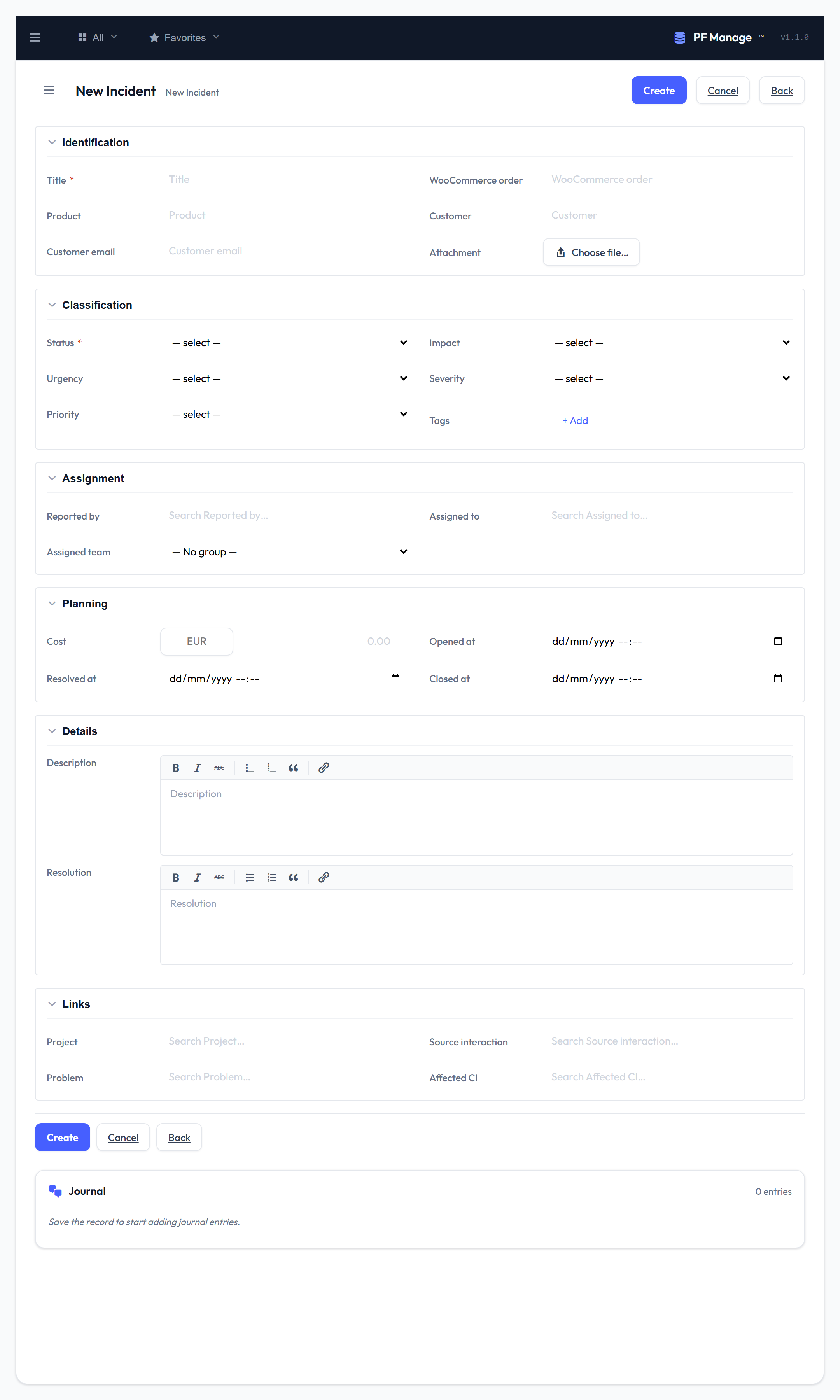
Creating a record uses the same sectioned form, with required fields and inline validation.
The ITSM flows
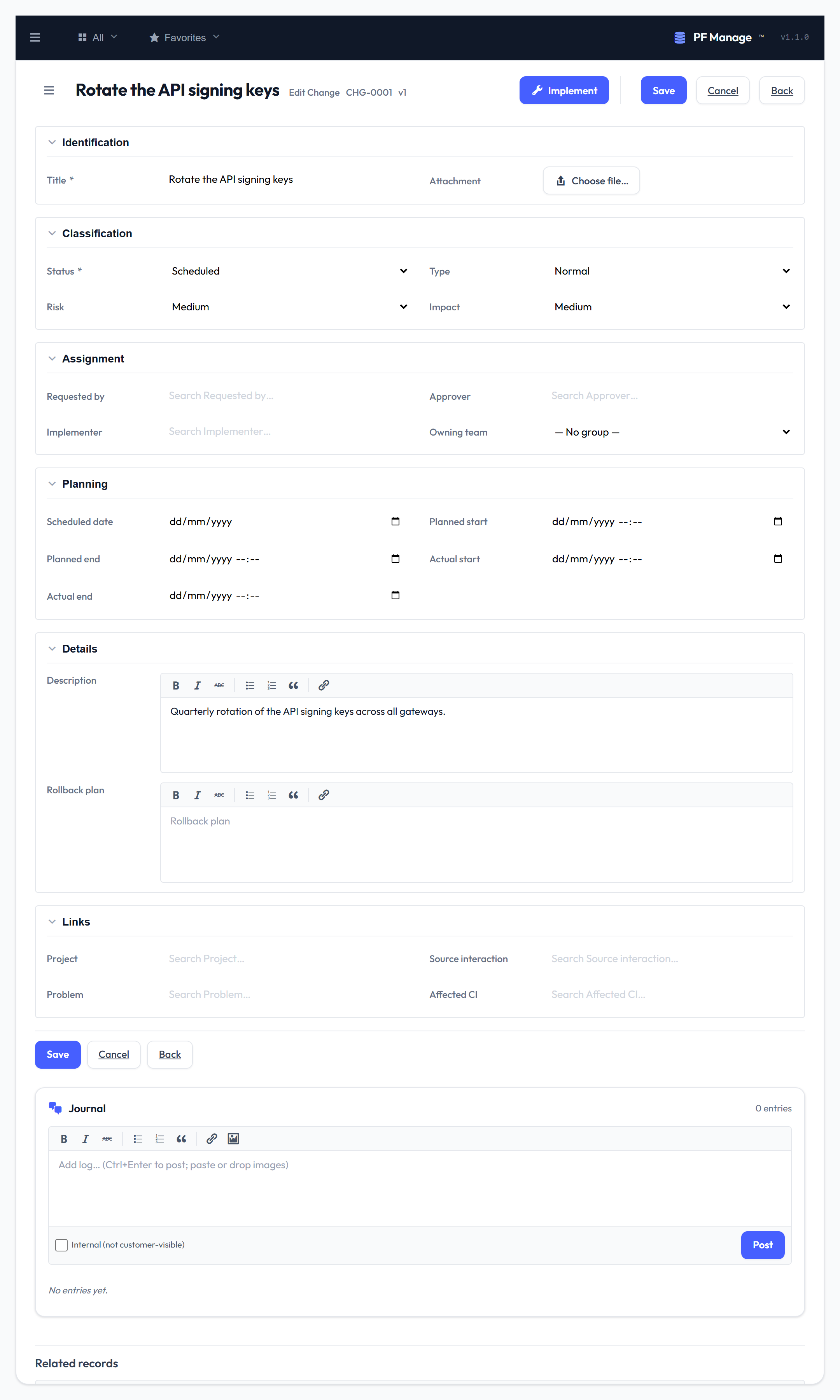
A change request carries its own approval buttons, wired to the workflow engine.
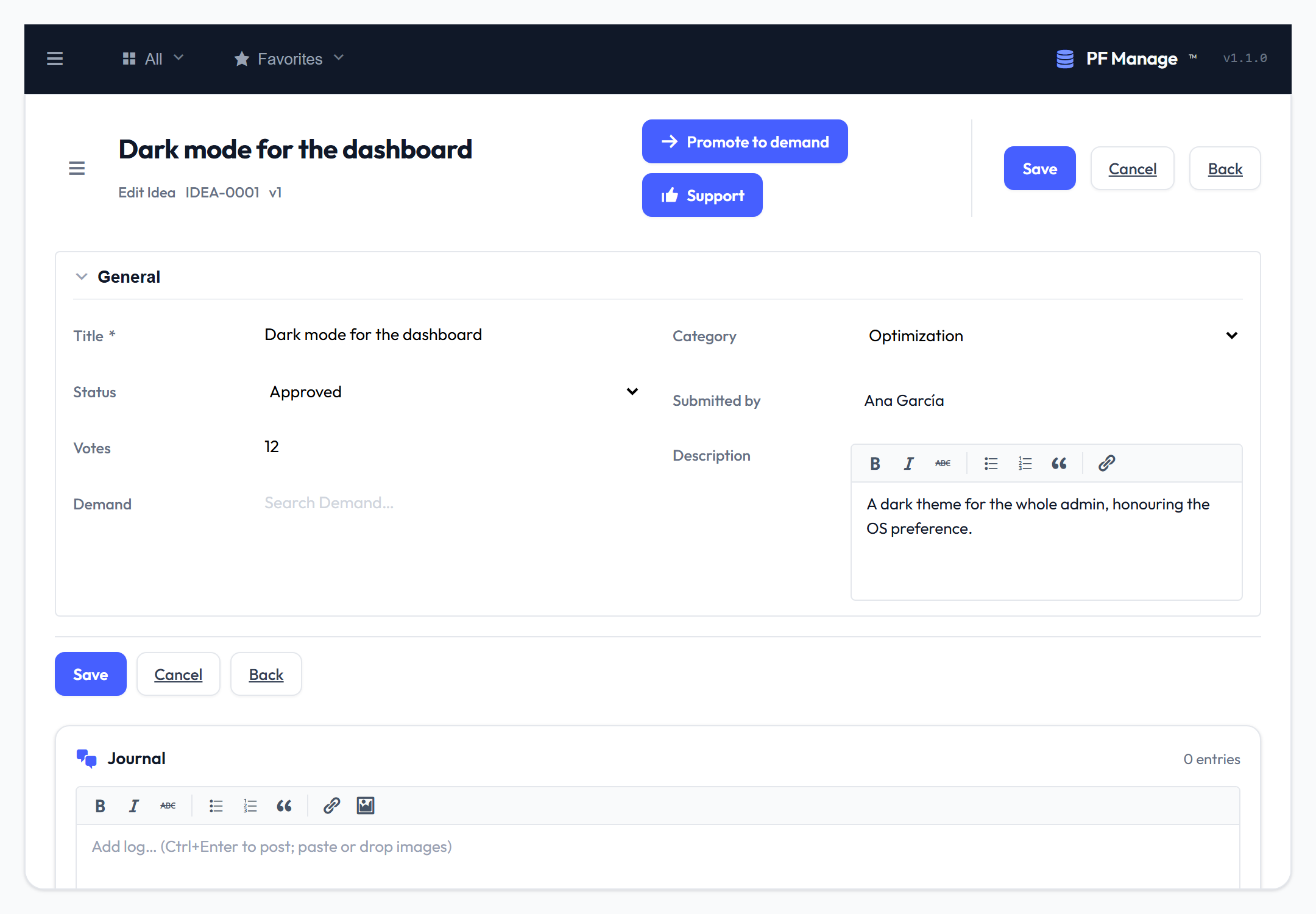
An idea backlog with vote counts, categories and lifecycle status.
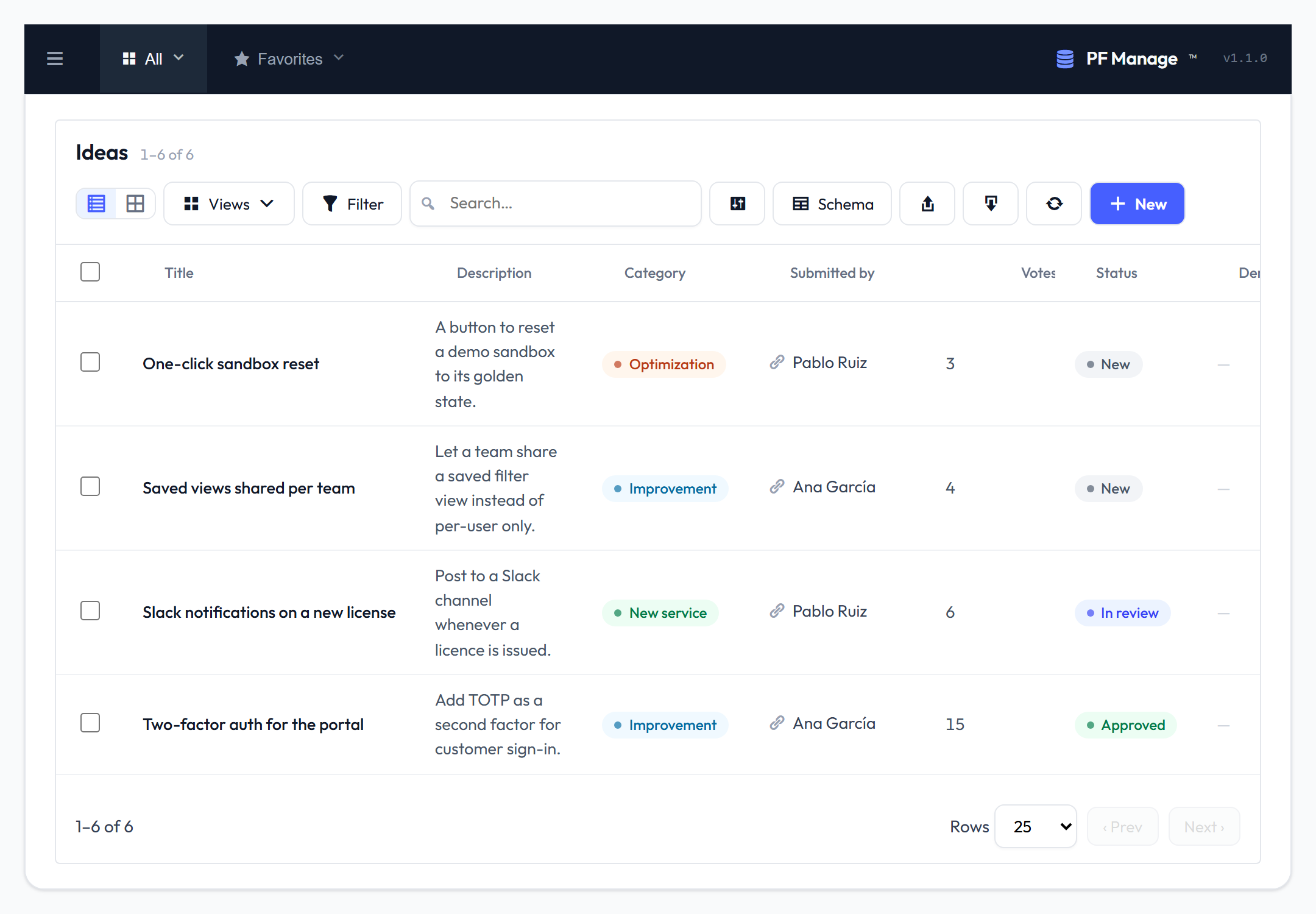
Each idea is a full record — promote it to a demand when it gains traction.
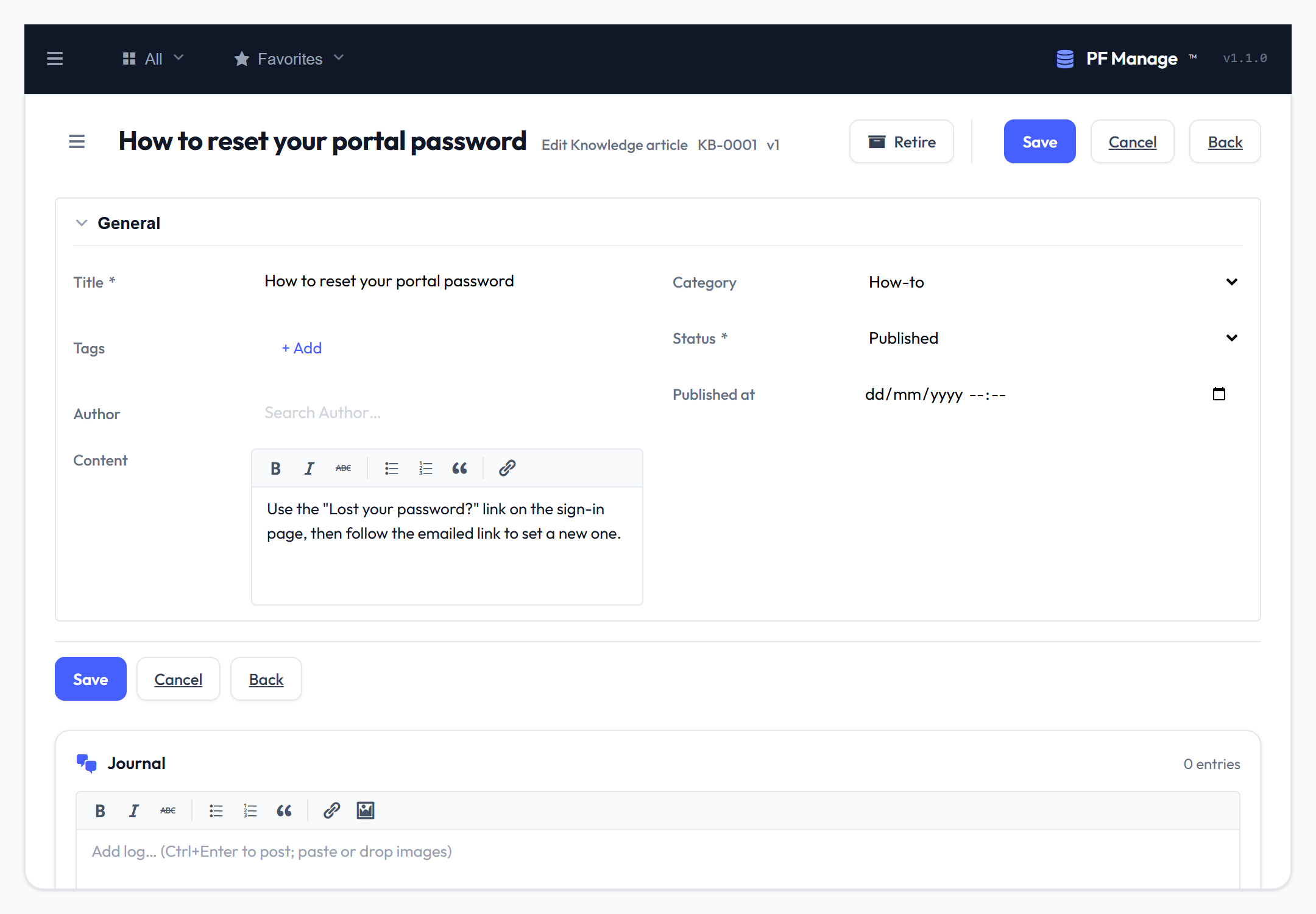
Knowledge-base articles, published and searchable by your team.
Design the data model
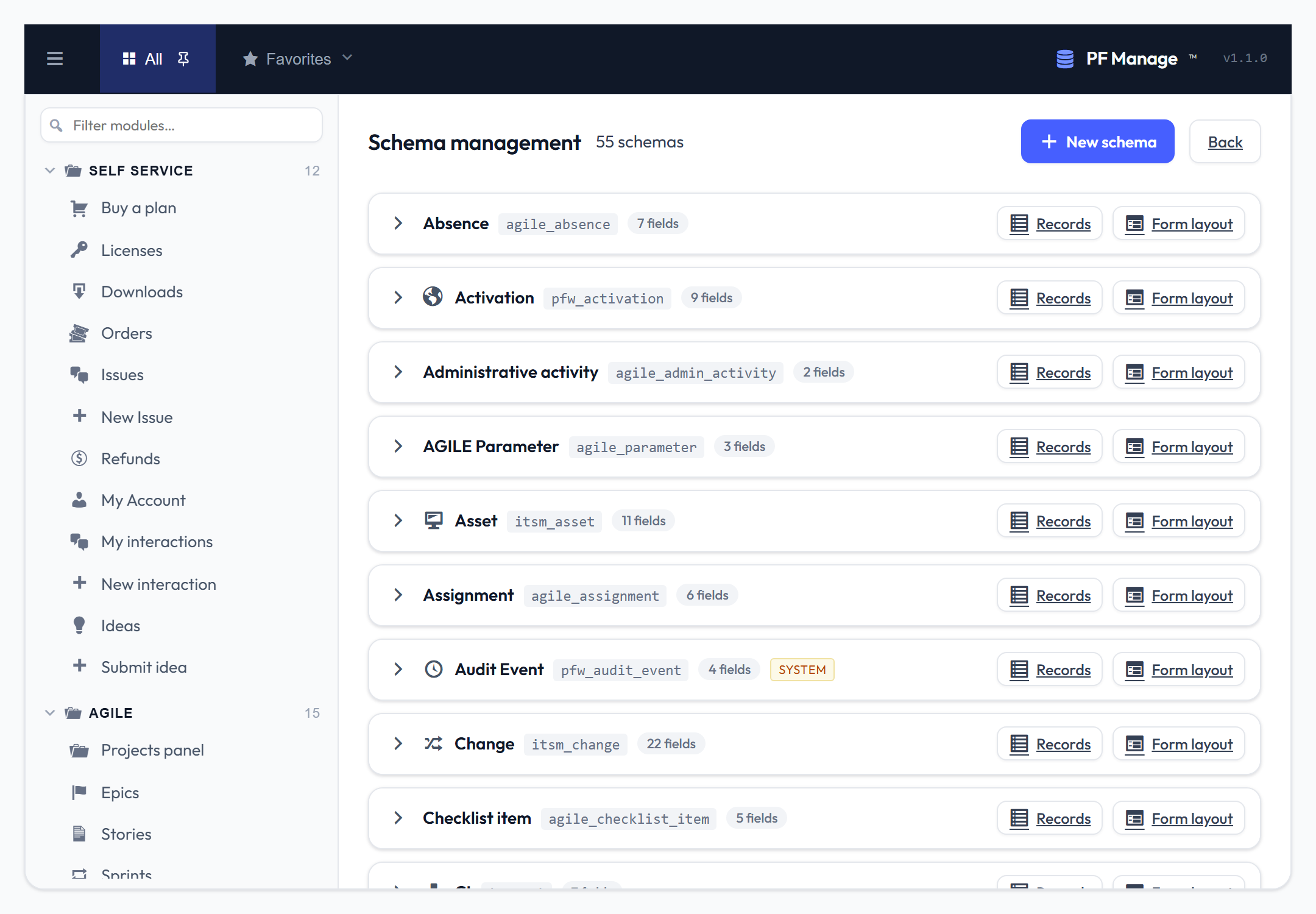
Every entity in one place: slug, field count, and a jump to its records or form layout.
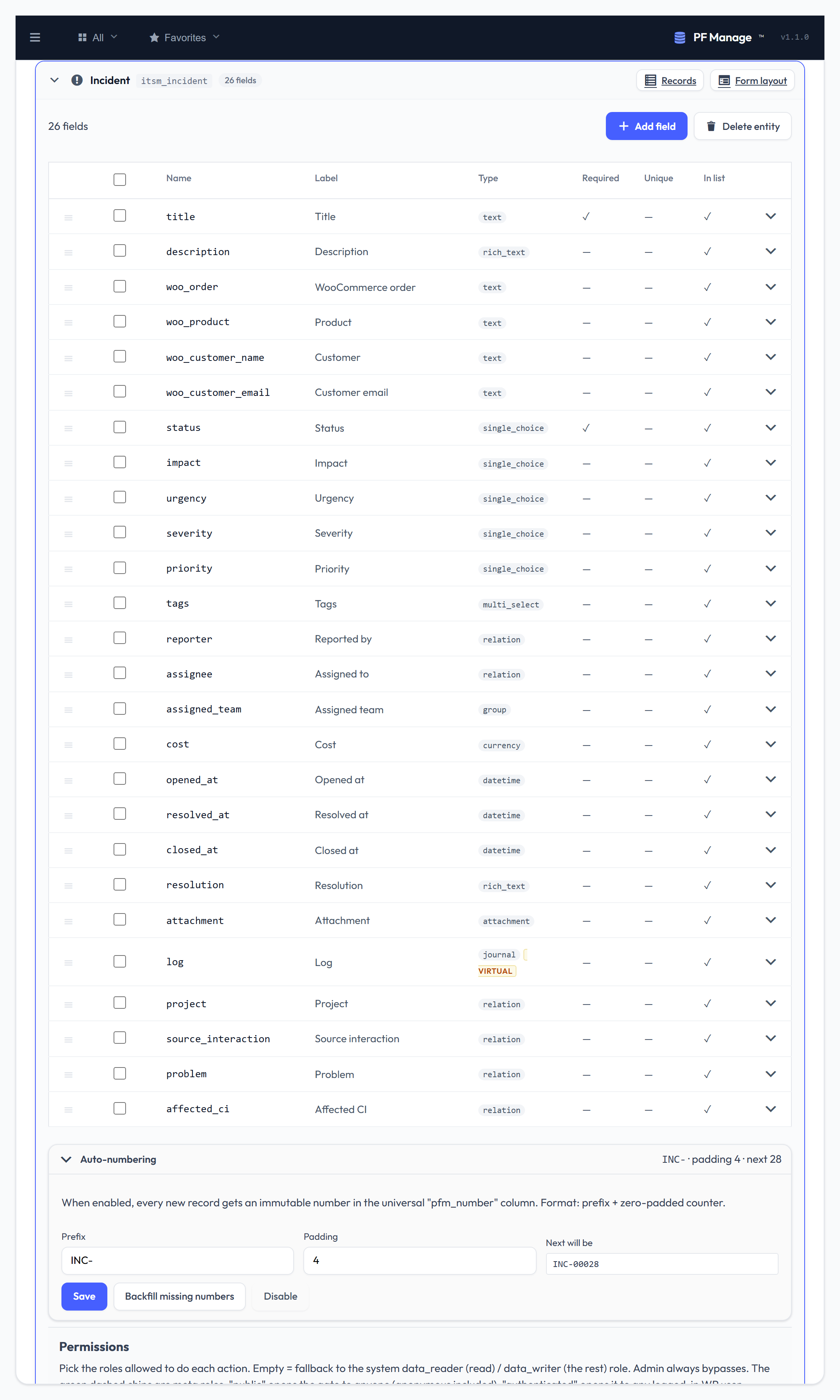
Define an entity field by field — a dozen typed field types, auto-numbering, and per-entity read / create / write / delete permissions.
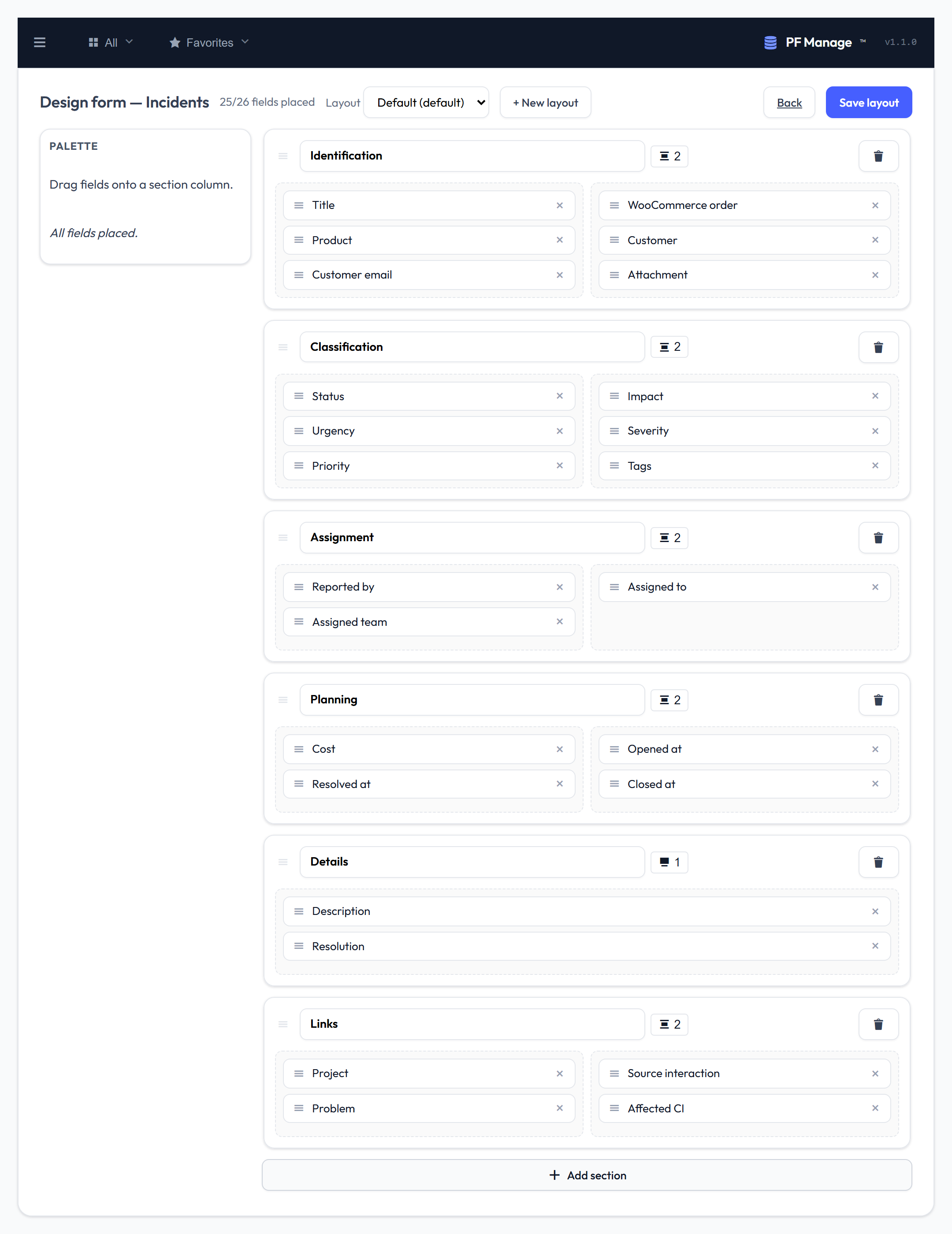
Lay out the form by dragging fields into sections and columns — no code.
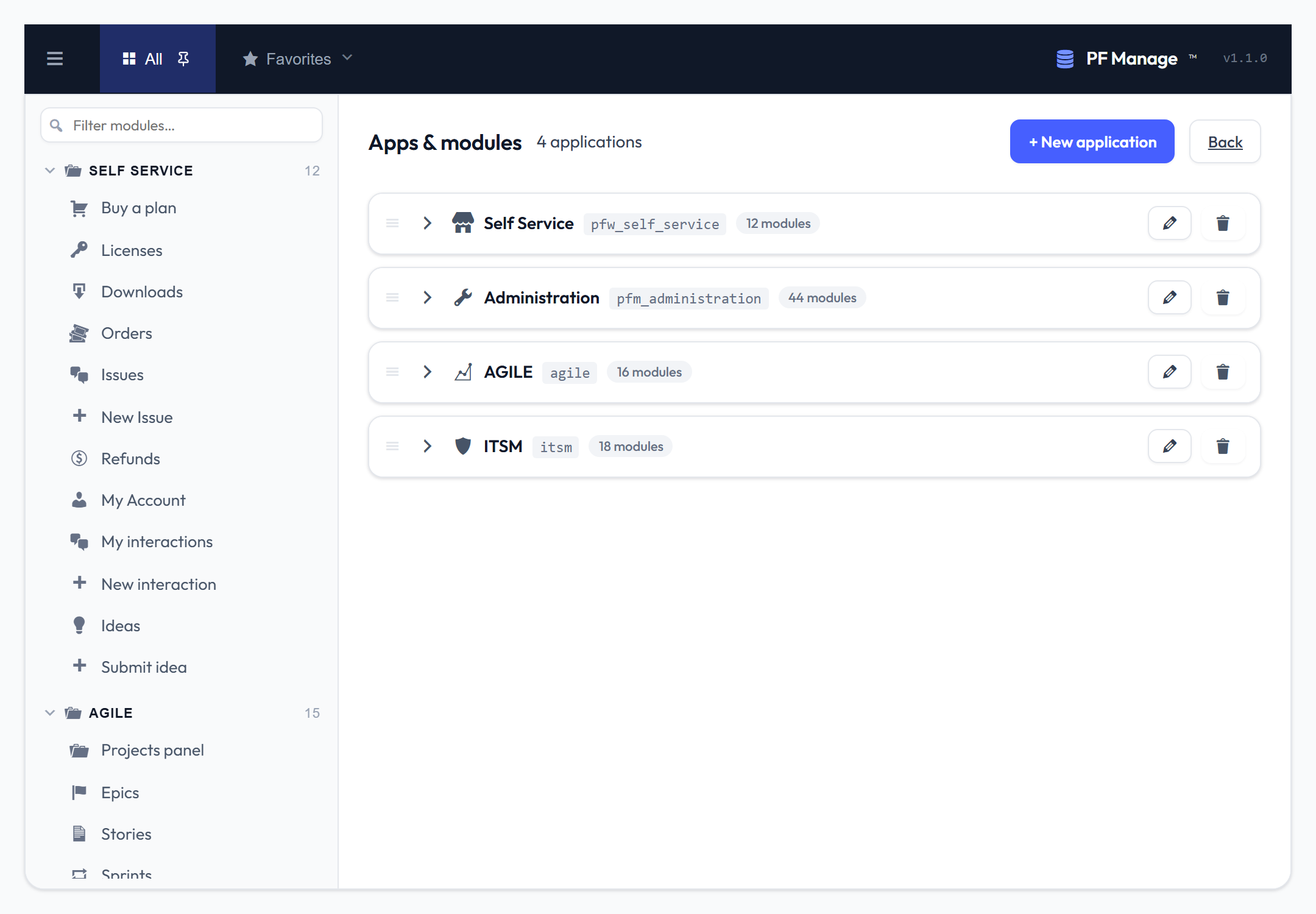
Group entities into applications and modules that become the left sidebar.
Govern access and automation
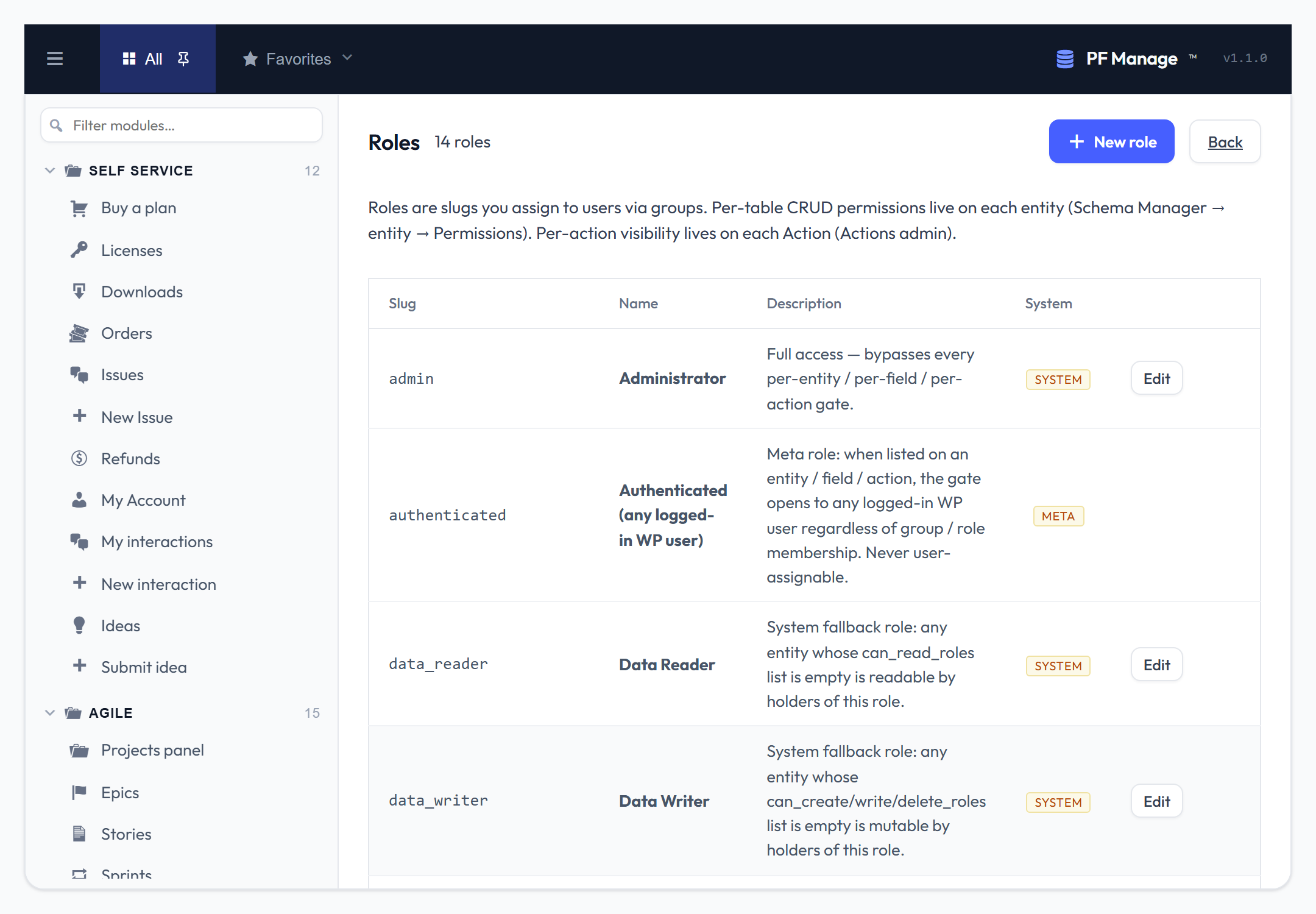
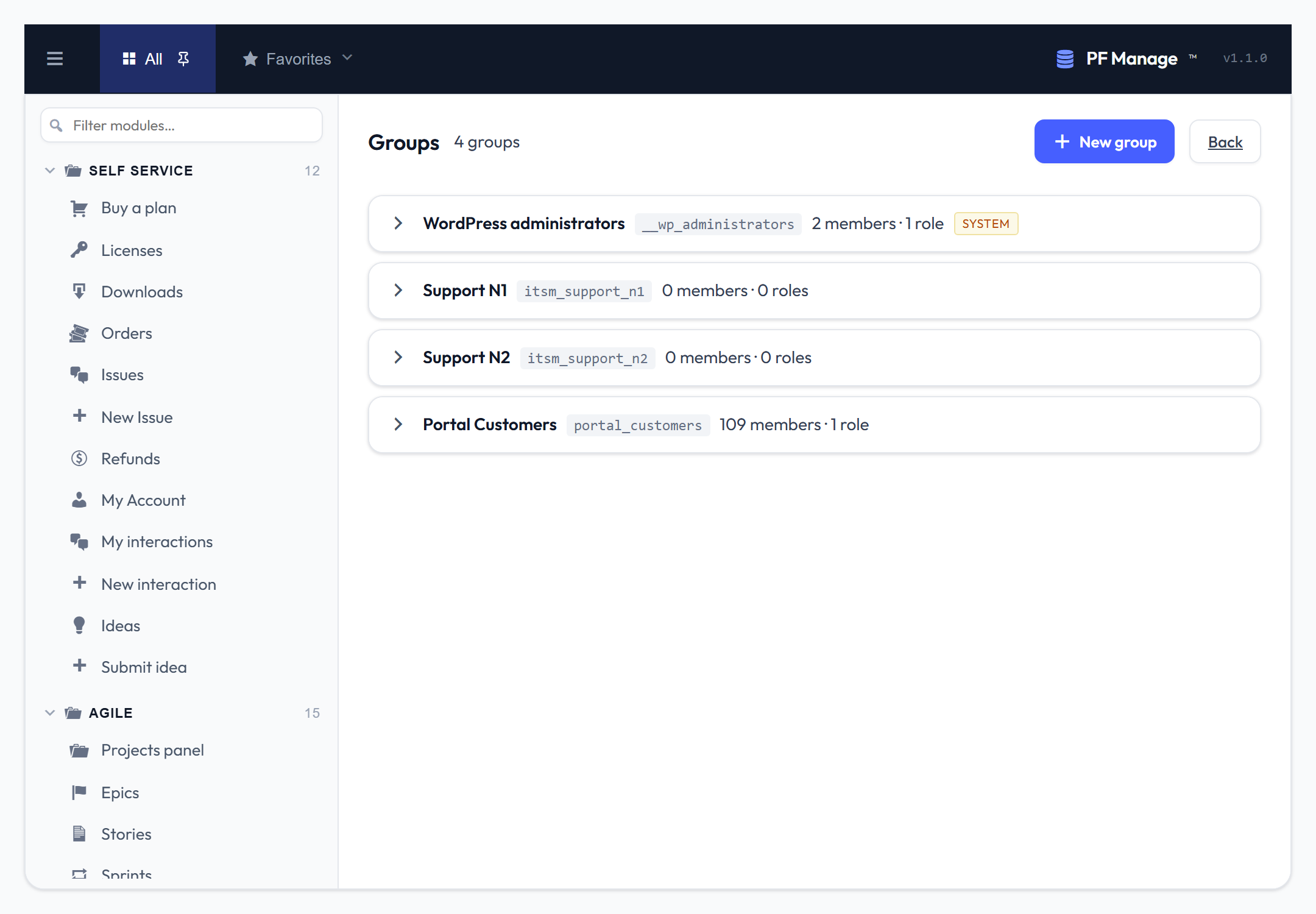
Roles and groups model who can do what.
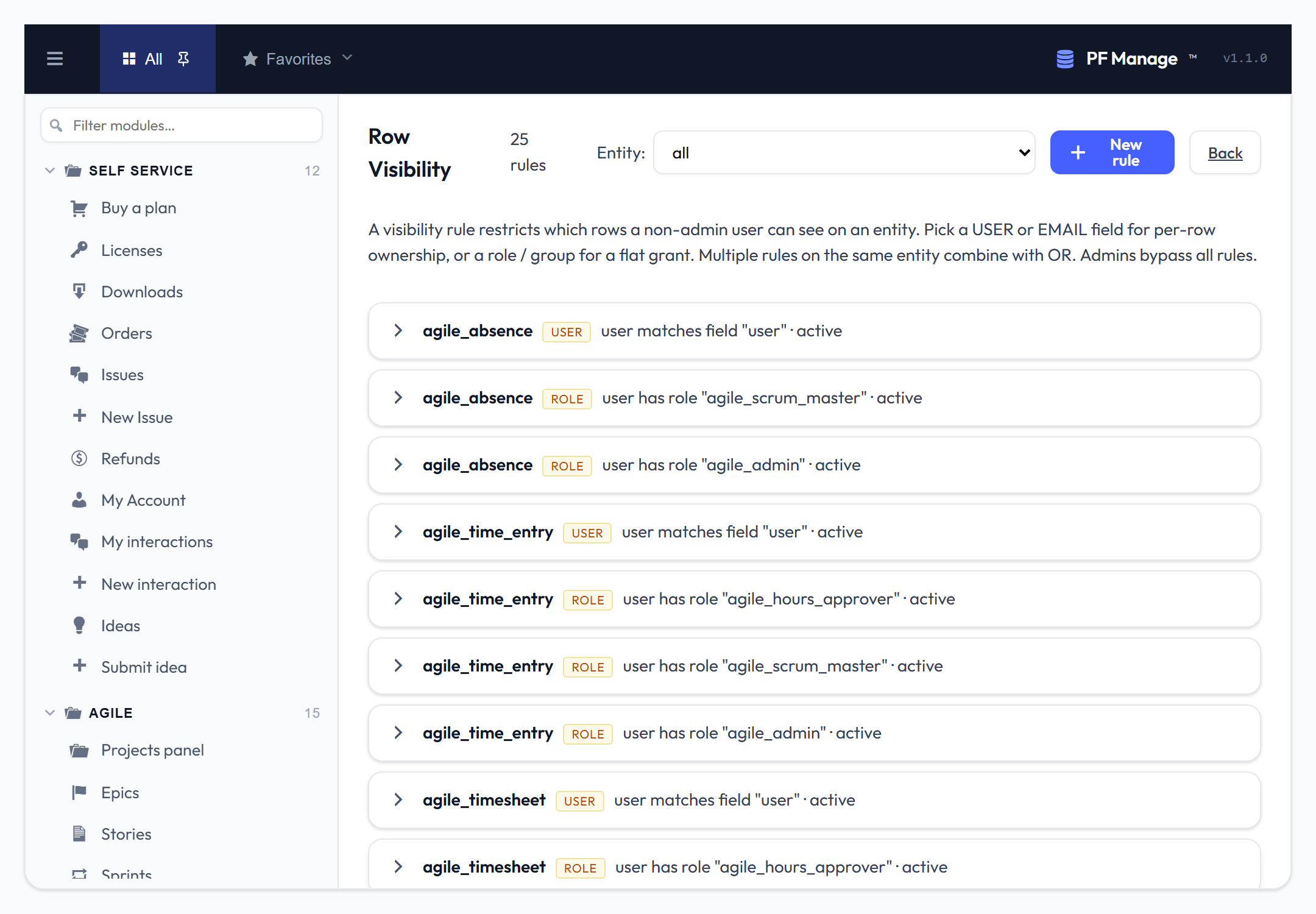
Row-visibility rules restrict which records each user sees — per-row ownership or a flat role grant.
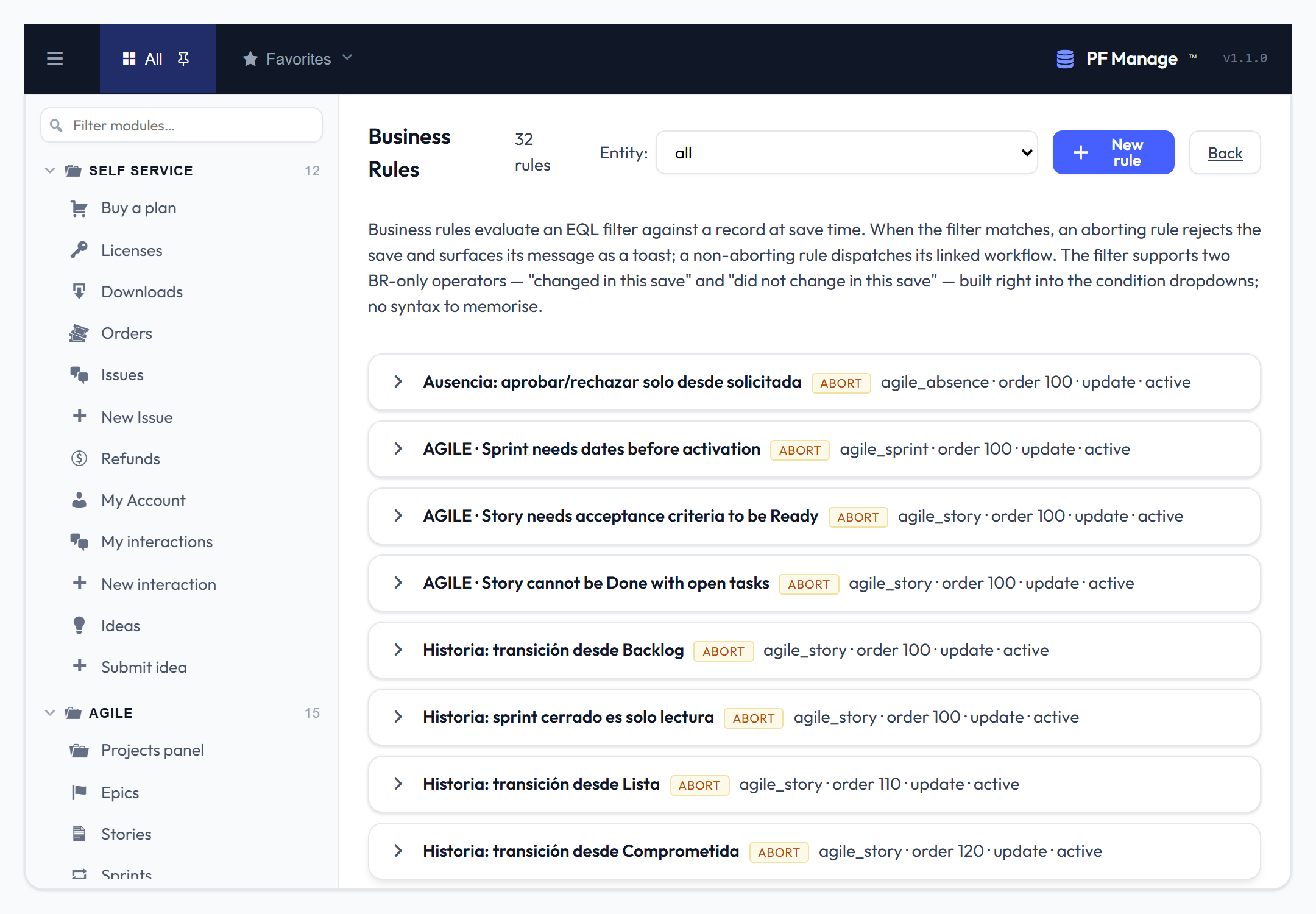
Business rules validate or react to a record at save time, using the same visual filter.
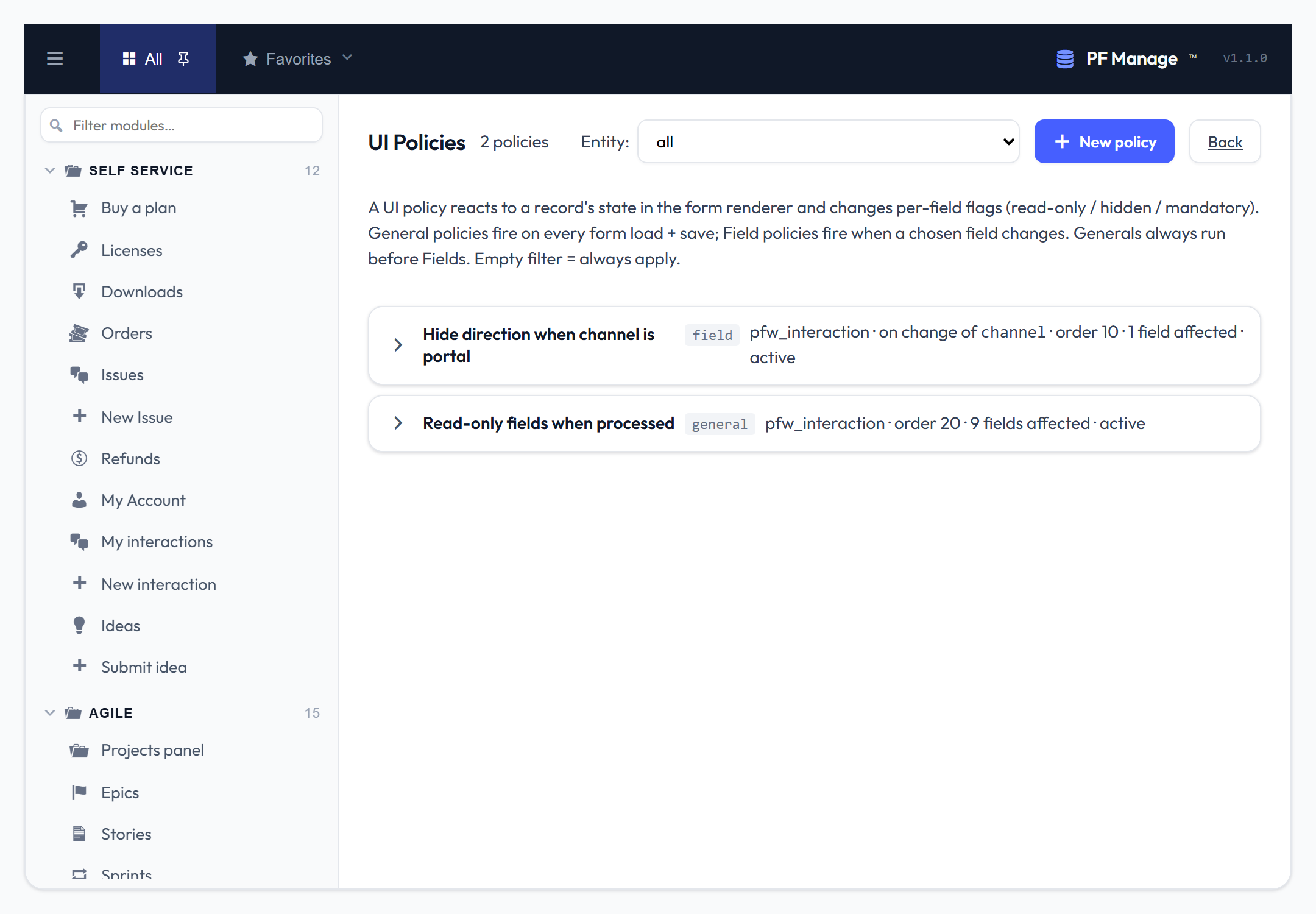
UI policies show, hide or lock fields based on the record's state.
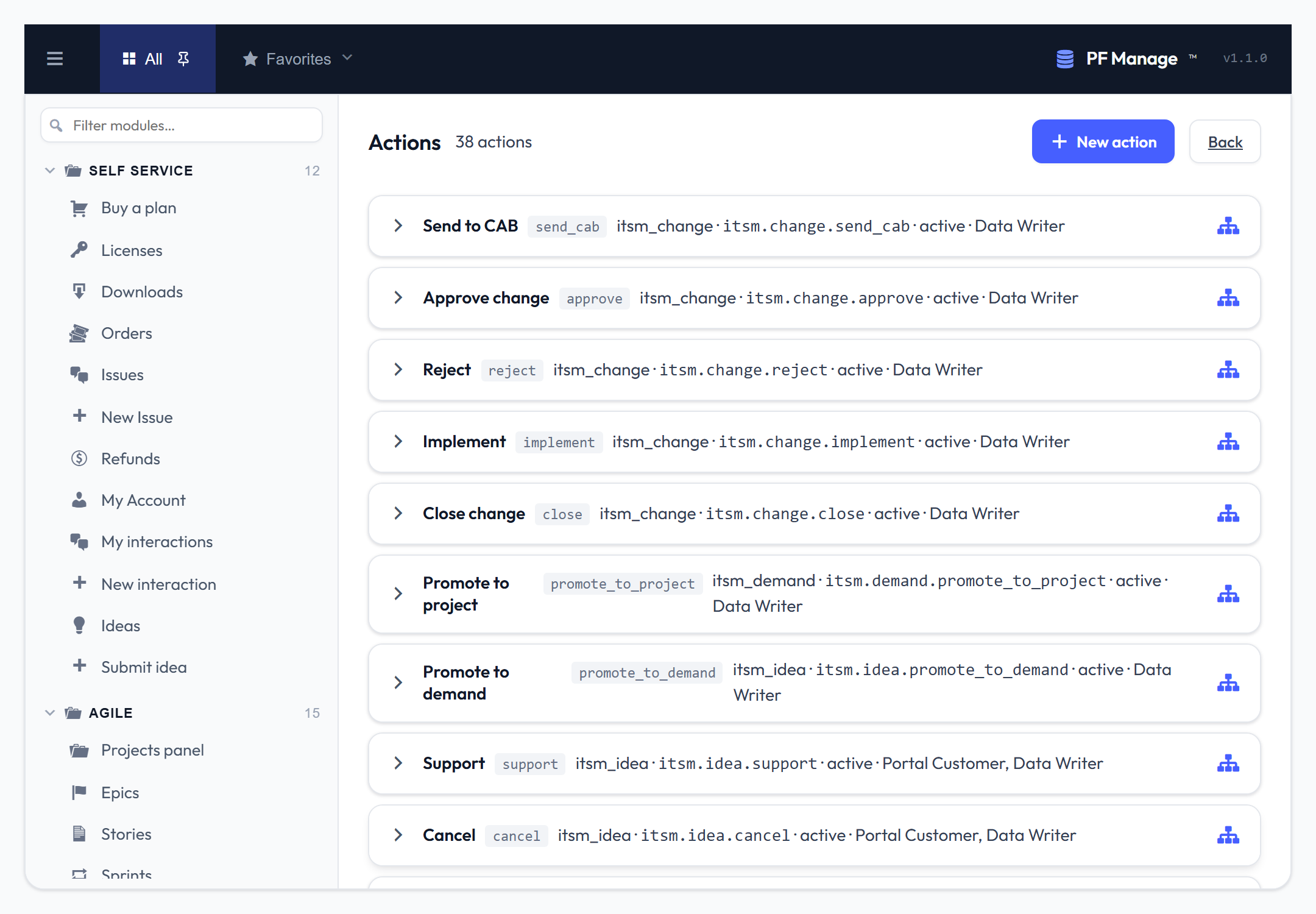
Actions are record buttons that fire a workflow, gated by role and an EQL condition.
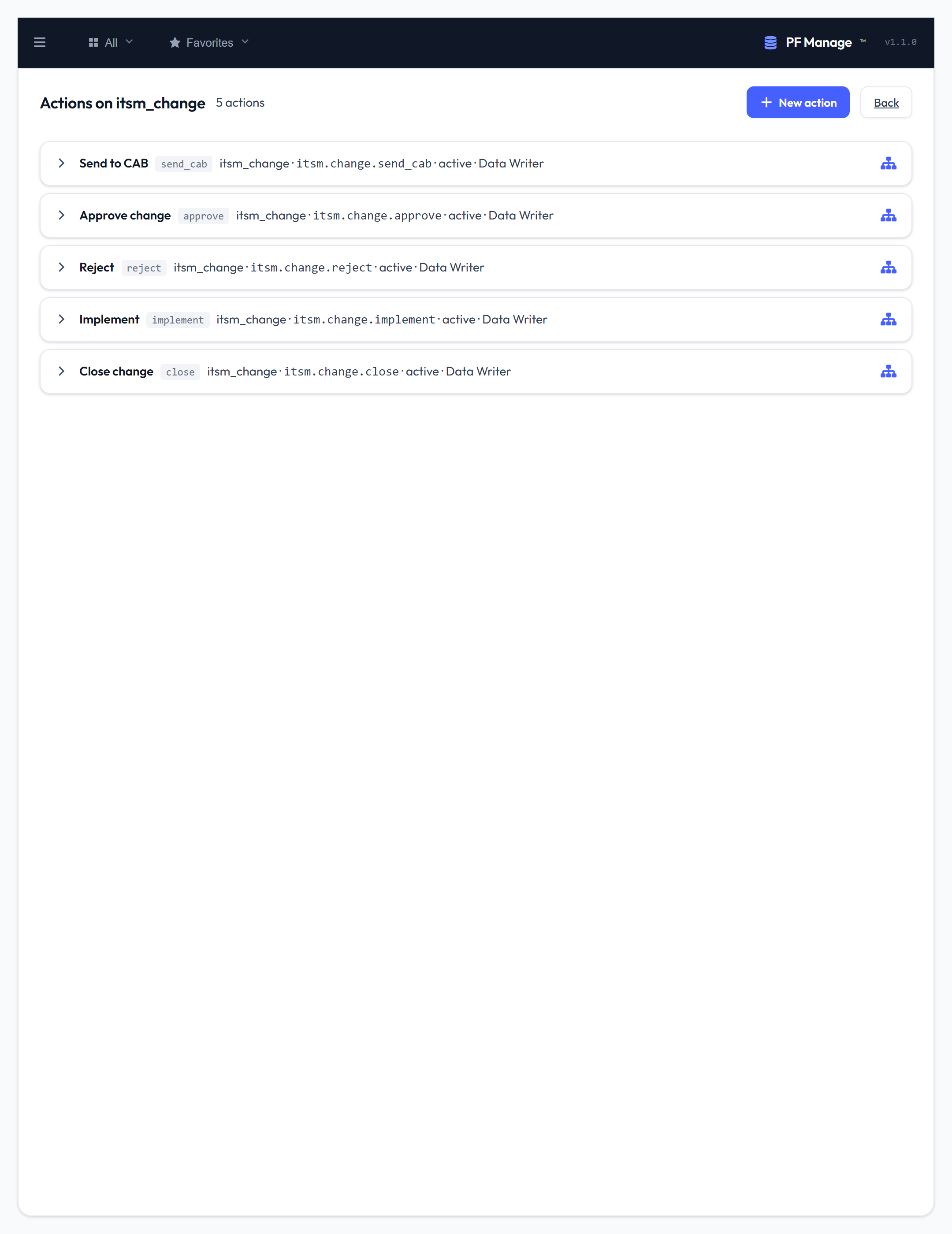
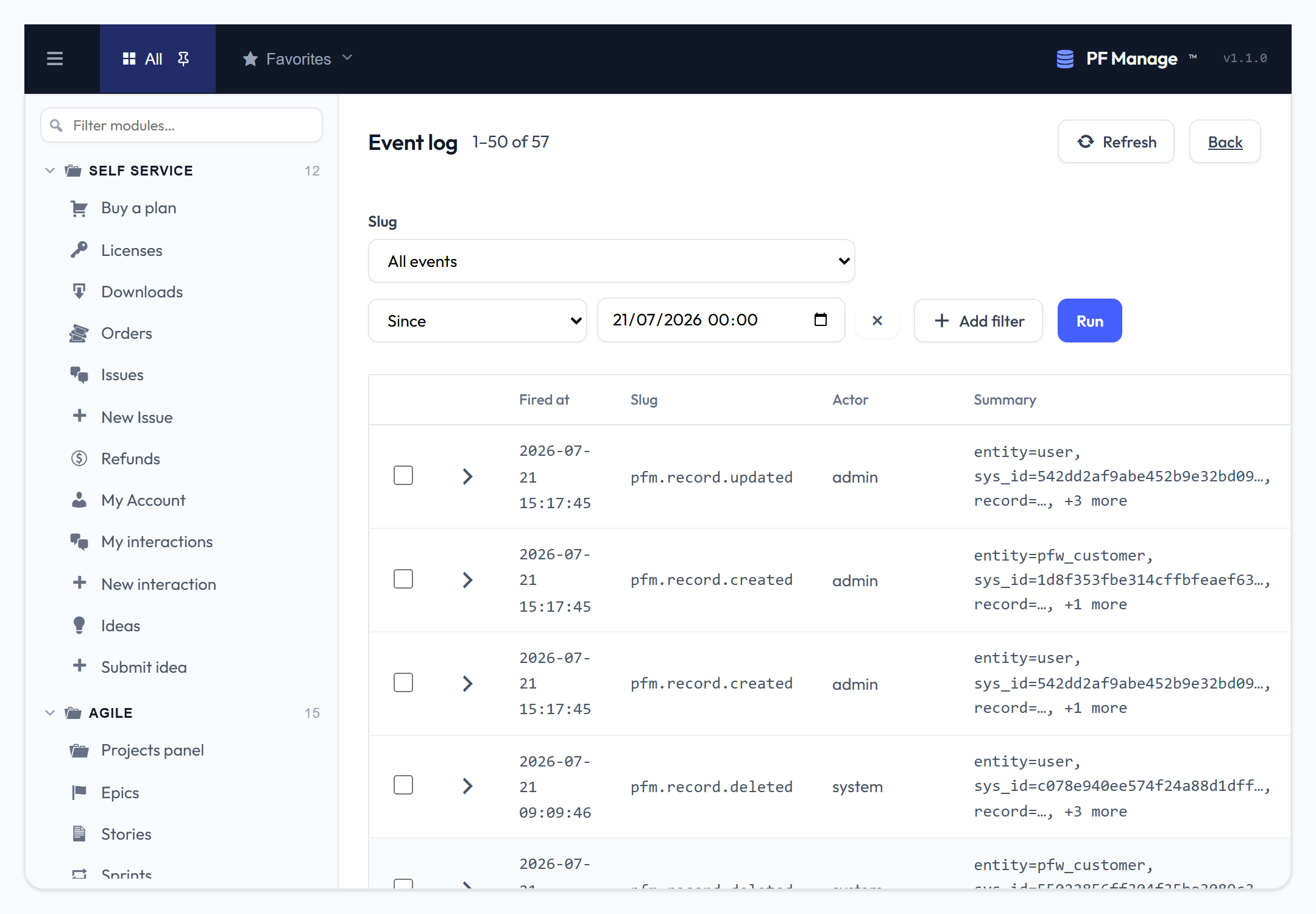
Every create, update and delete is logged and can trigger a workflow.